Ask the assistant, send us a message, or ask for a call back. Here is how each one works, so you can choose the one that fits what is happening.
All three work from inside OutSmart. Choose the one that fits what you need, and a person who knows the software will help you.
Support comes from the people who build OutSmart. The person who helps you knows the software well, and can pass a problem straight to the developers when something needs fixing.
It knows the whole product guide and can answer most questions straight away, at any hour.
Not urgent? Send it from inside OutSmart and our team will reply.
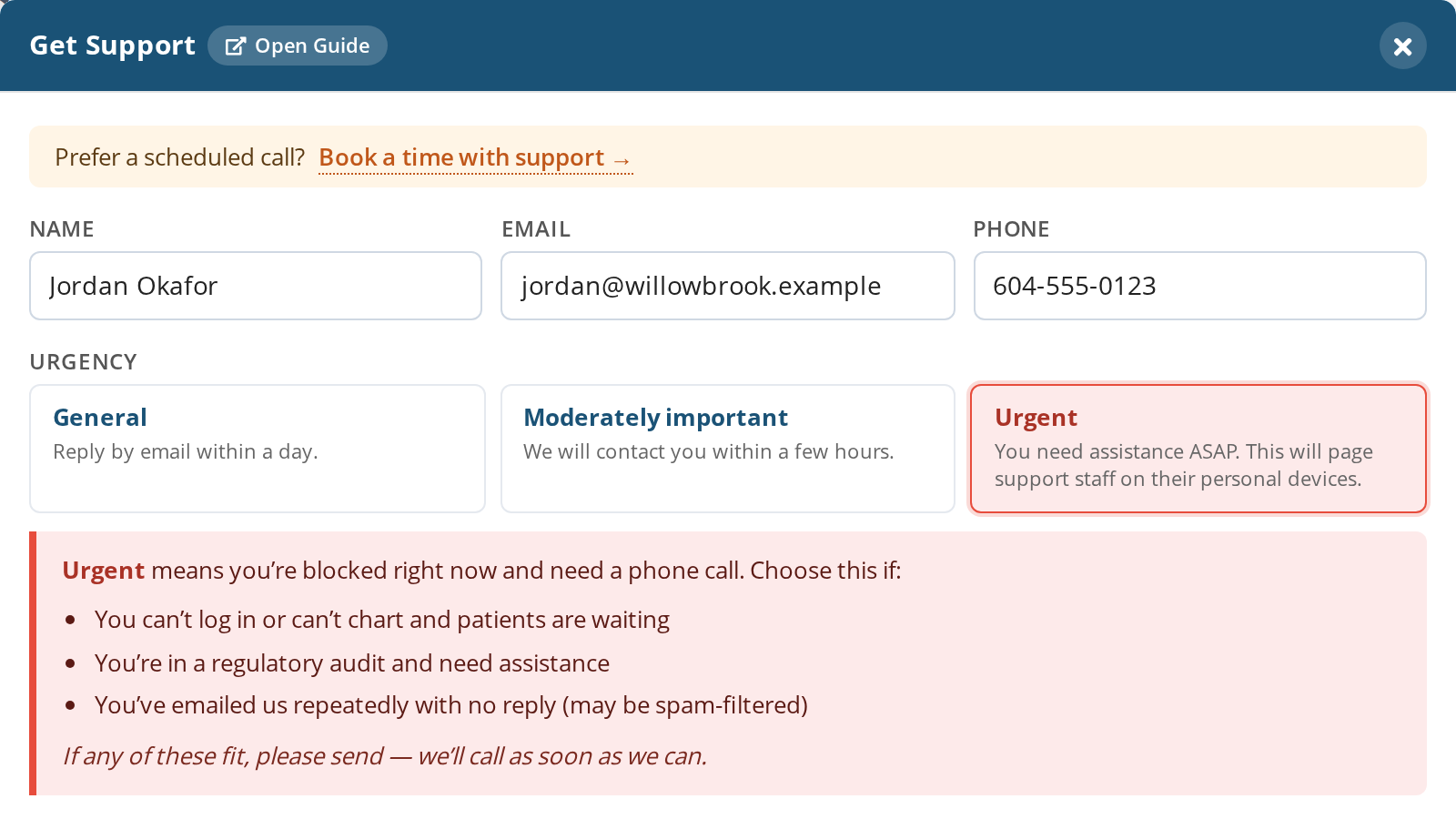
Have an urgent problem? Mark it urgent, leave your number, and it notifies the people who can help you. We call you back ASAP.
Click Ask OutSmart inside the software and type your question. The assistant answers from the product guide, at any hour, and points you to the right article if you want to read more.
From the same panel, choose Get Support, describe what you need and pick how urgent it is. Your message comes straight to our team, and we reply.
Have an urgent problem, for example you cannot log in or cannot chart while patients are waiting? Mark it urgent and leave your number. It notifies the people who can help you, and we call you back ASAP.
If you would rather talk something through at a set time, such as learning a part of OutSmart you have not used yet, book a training session.
A full written guide to every part of OutSmart, kept current as the software changes. Free to read, no login needed.
Ask a question from inside OutSmart and get an answer drawn from that same guide, without switching windows.
If you are moving from another system, we plan the move with you and help bring your data across.
Book a demo and we will walk you through the parts that matter most to you.