Large clinics run in their own way: several locations, many practitioners, their own reports and their own processes. When OutSmart does not do something your clinic needs, we can build it for you, inside the software your team already uses.
Four steps, and you are part of every one of them.
Describe what your clinic needs that the software does not do yet: a report, a workflow, a form, a connection to another system. You talk to the people who will build it.
We work out exactly what will be built, how it fits the way your team works, and when you will have it, and we agree all of that with you before anything starts.
It becomes part of the software your team already uses, with the same screens, permissions and patient records. No separate tool, no extra login.
Custom work is maintained with the rest of OutSmart, so it carries on working as the software is updated.
Every clinic is different, so these are examples rather than a menu. If your clinic needs it, we can talk about building it.
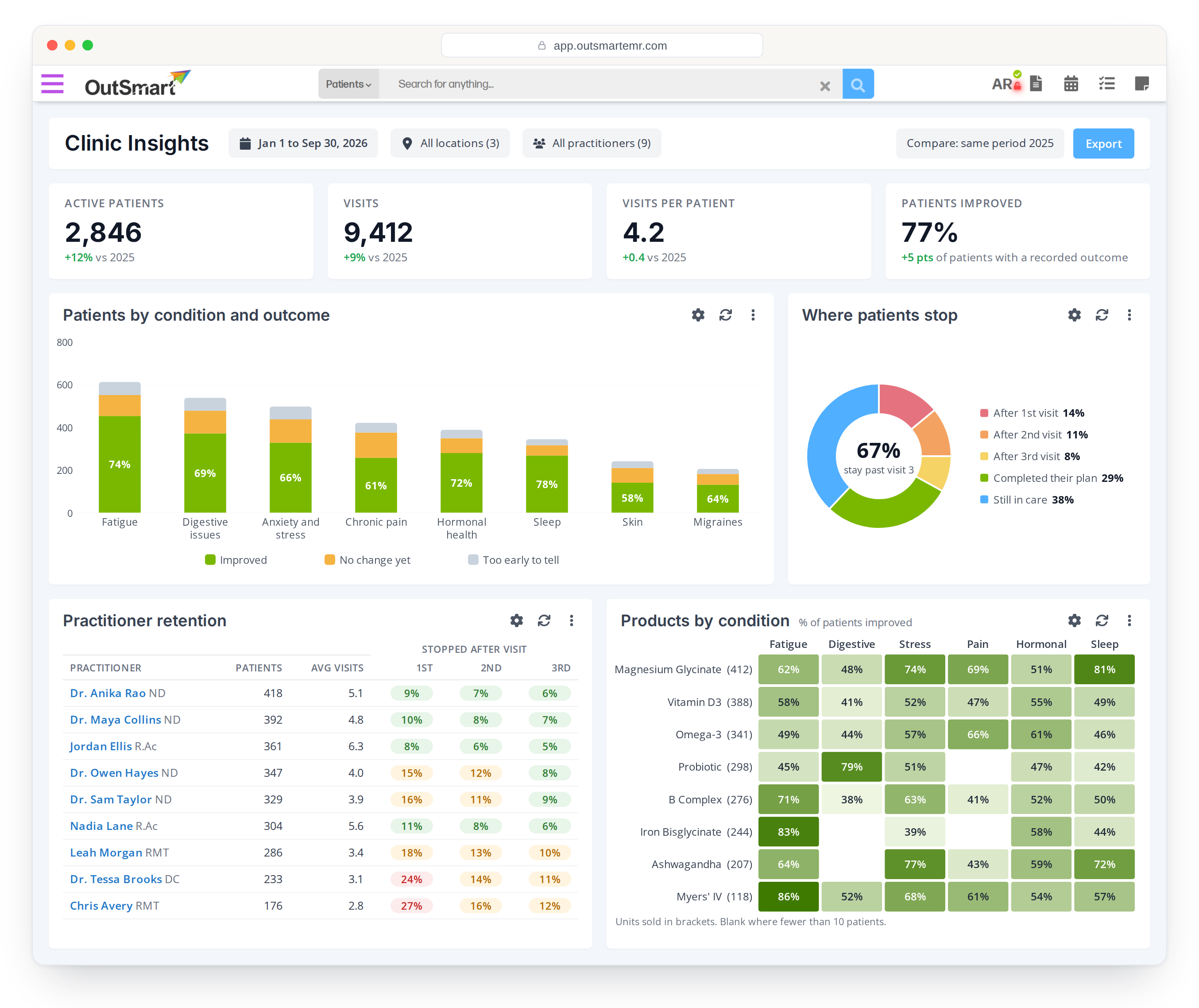
Visits, new patients, retention by practitioner and outcomes by condition, across every location, on one screen that updates itself.
Revenue and visit counts per practitioner, split the way your clinic pays people, ready for payroll at the end of each period.
Structured fields for a treatment your clinic offers that the standard sections do not cover, so it can be charted, graphed and reported on.
Invoices, payments or visit data sent to your accounting software or another system, in the format it expects.
The right forms sent automatically for each service, with the answers landing in the chart where your practitioners expect them.
Notes from associates or students checked and signed off by a senior practitioner before they are final.
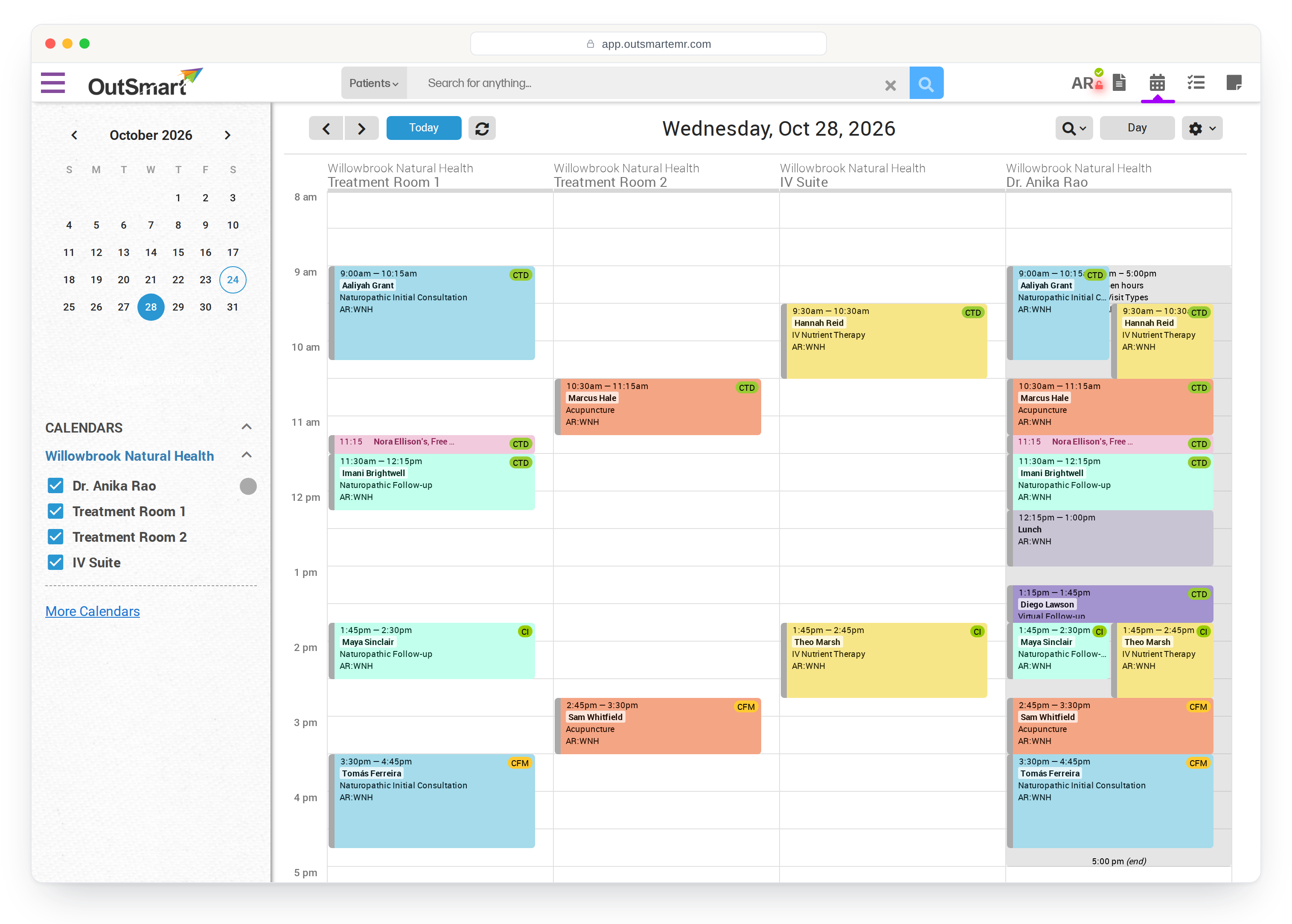
Every location keeps its own calendar, rooms, hours and time zone, while your whole team works in one system with one place to report from.
Decide what each role can see and do, from the front desk to the clinic director.
Multi-factor authentication for staff accounts, and an audit trail behind the sensitive parts.
When something needs to change, you talk to the team that builds OutSmart, not a reseller or a call centre.
Book a demo and we will walk you through the parts that matter most to you.